"Pick a ball"
Ask viewers to pick a color in the first second and comment whether it survived.
HypnoSim / Gravity Well
In the Gravity Well template, balls orbit one or more centers of gravity inside a safe zone. The first ball pops out after three seconds, then one more every two seconds, until only one ball is left in orbit.
Create this video free →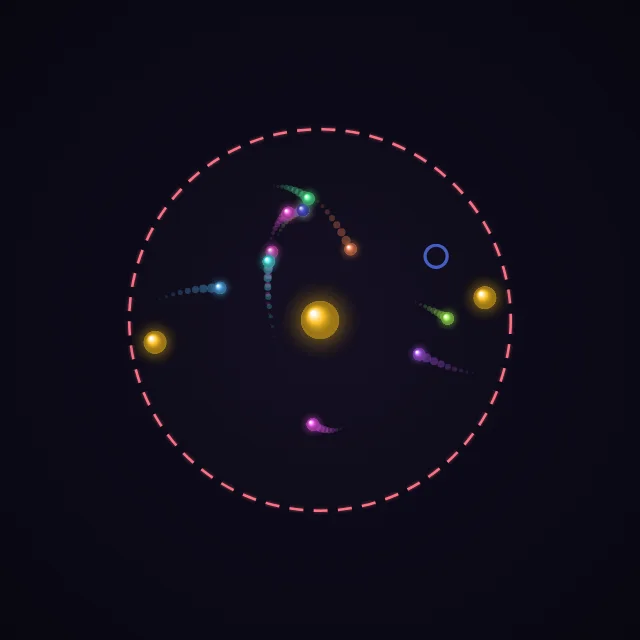
A 15-second run with a random seed, simulated in your browser.
It asks one simple question, "Which ball stays in orbit?", and answers it on screen. Viewers pick a ball in the first seconds and watch to see if it survives.
Ask viewers to pick a color in the first second and comment whether it survived.
Use a title like "Which ball stays in orbit?" so the question is answered on screen.
Raise the ball count for longer elimination runs, or add satellite wells for more chaotic orbits.
It is built for satisfying visuals, not scientific accuracy. The gravity pull is physics-based, but parameters are tuned to look good on video.
It runs until one ball is left: about 3 seconds plus 2 seconds per ball, so 12 balls give roughly 25 seconds. The max length setting is only a safety cap; with many balls the pace speeds up to fit. Export 9:16, 16:9 or 1:1 at 60 fps.
Yes. Collisions trigger synthesized sound that is rendered into the MP4, in sync with the video.